Electronic Door Locks

Electronic Door Locks

Card Reader User Guide

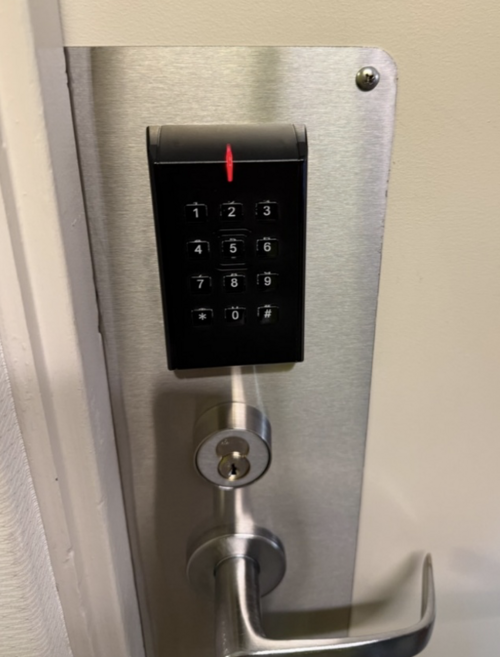
If you enter an incorrect PIN, please wait until the red lights stop flashing before attempting to access the door again.

Image
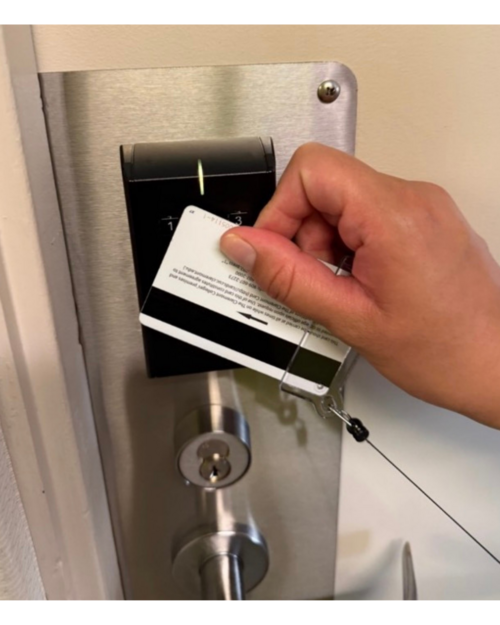
Hand holding white card over black door scanner.
Image
Instructions for card scanner that mention, EAC response time, card and pin access (configurable), yellow + off, fast flash.


Image
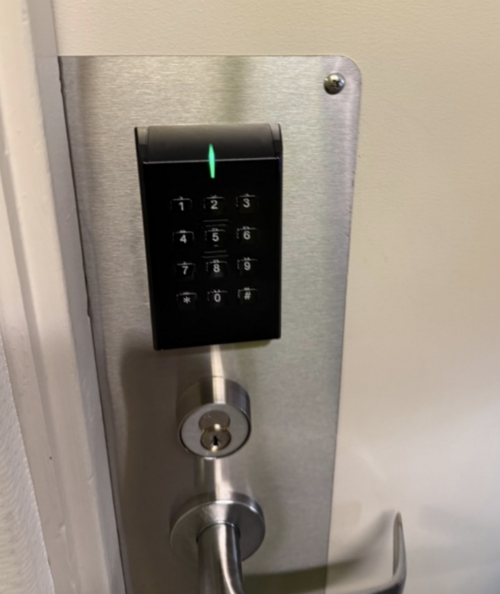
Back box card reader with green light.
Image
Card reader instructions that read, Access granted, EAC offline or online (green flash in the middle), one green flash (1 second).


Image
Card reader instructions that read, Access denied, EAC online (red flash in middle), one red flash (1 second).
Image
Instructions that read access denied, EAC online, one red flash (1 second).


Image
Time to replace battery. Continuous yellow flashes (.25 sec every 5 sec.), continuous red flashes (.25 sec every 5 sec.).